
How a range session works
Range Examiner does the work around your shooting—not the other way around.
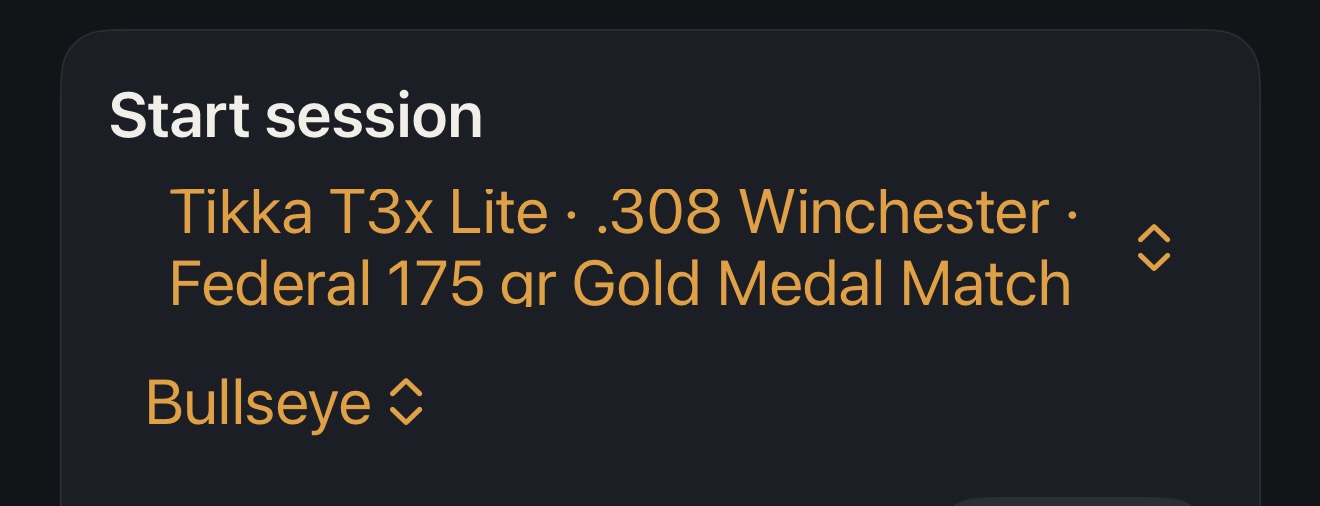
1. Choose your setup
Select your rifle, optic and load from your shared Examiner gear locker.
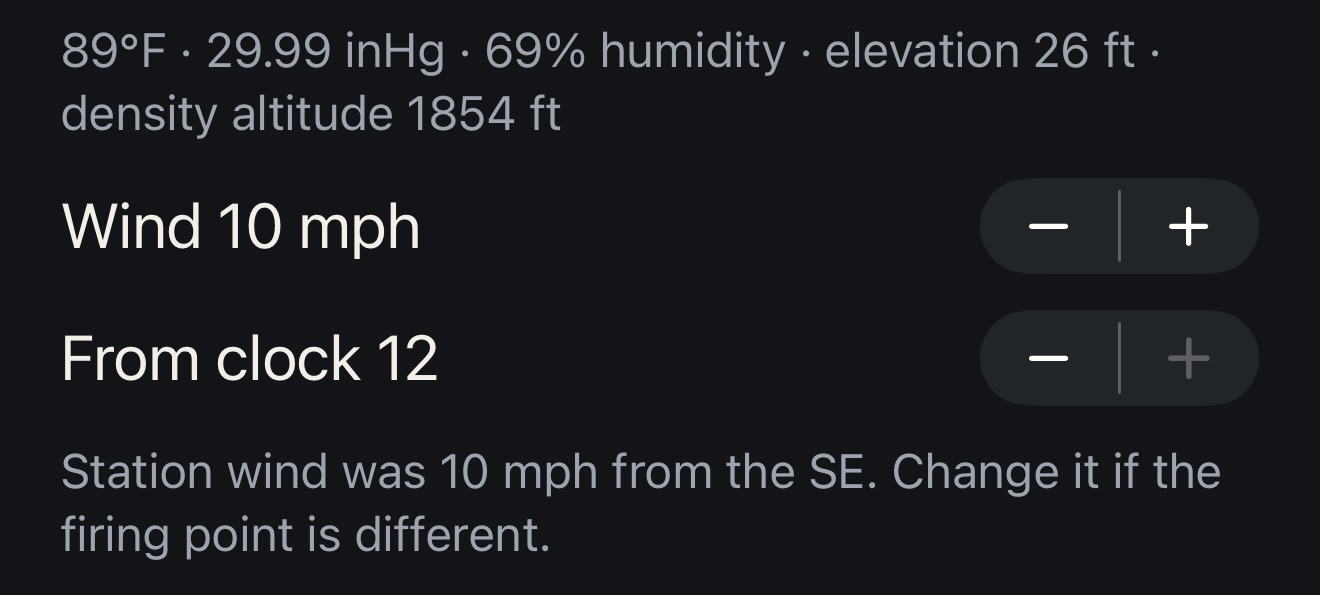
2. Capture the conditions
Range Examiner records available weather and environmental information while you enter the wind you're actually seeing at the firing line.
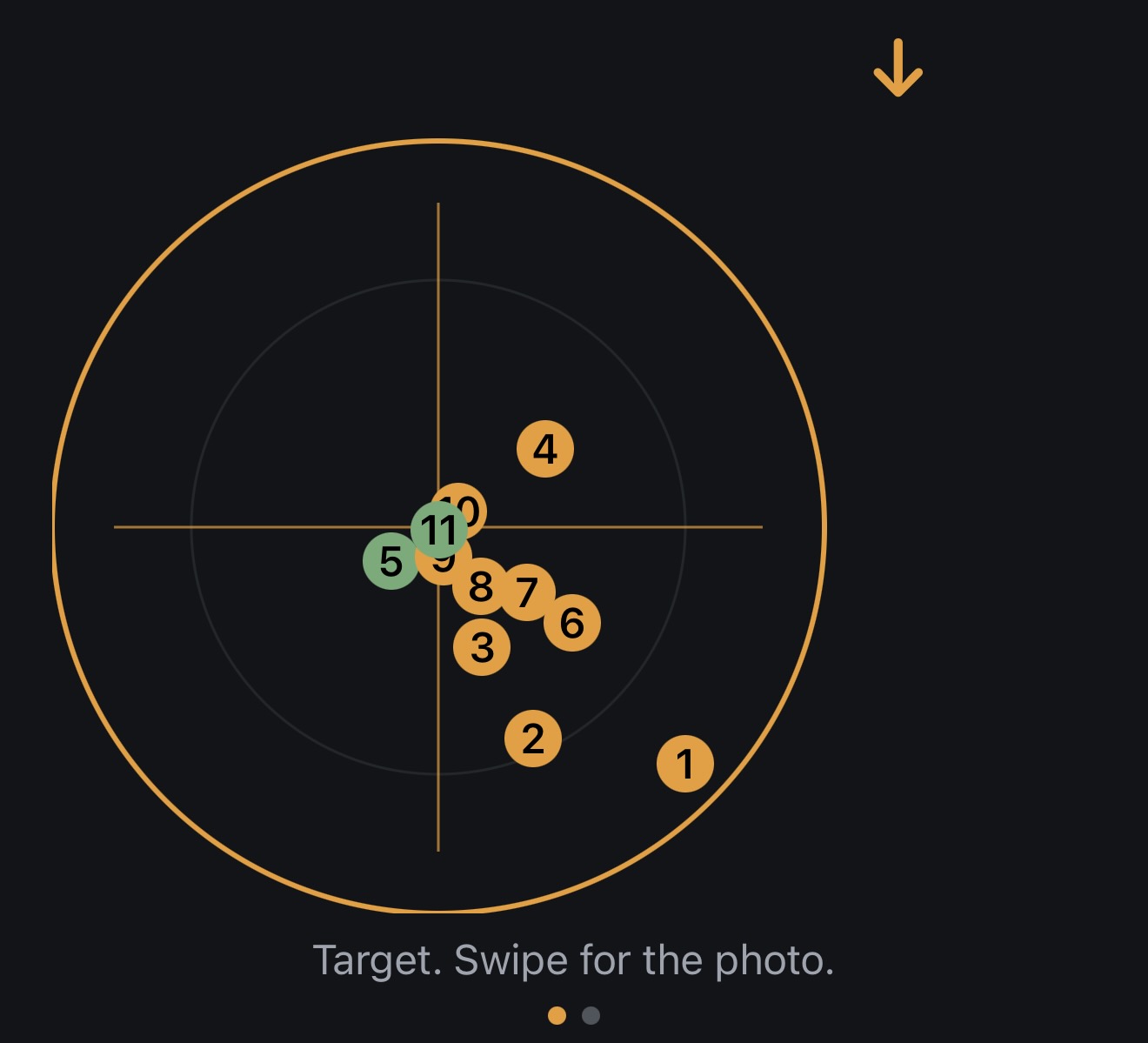
3. Shoot normally
Record an impact with a tap. Change wind as conditions change. Don't stop shooting to fill out forms.
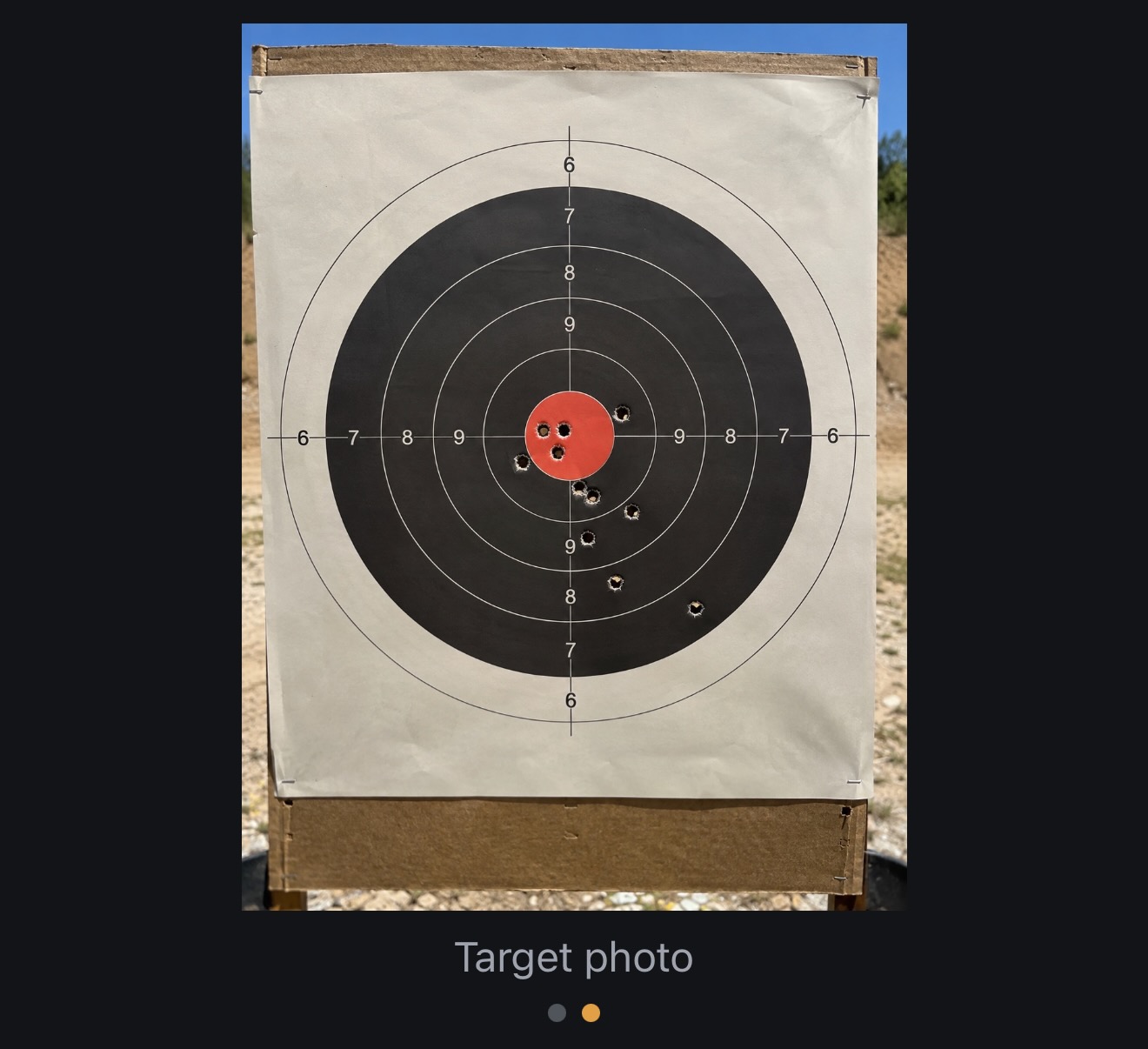
4. Photograph the target
After the group, photograph your target. Range Examiner can help identify holes while you remain in control of what gets recorded.
5. Review the evidence
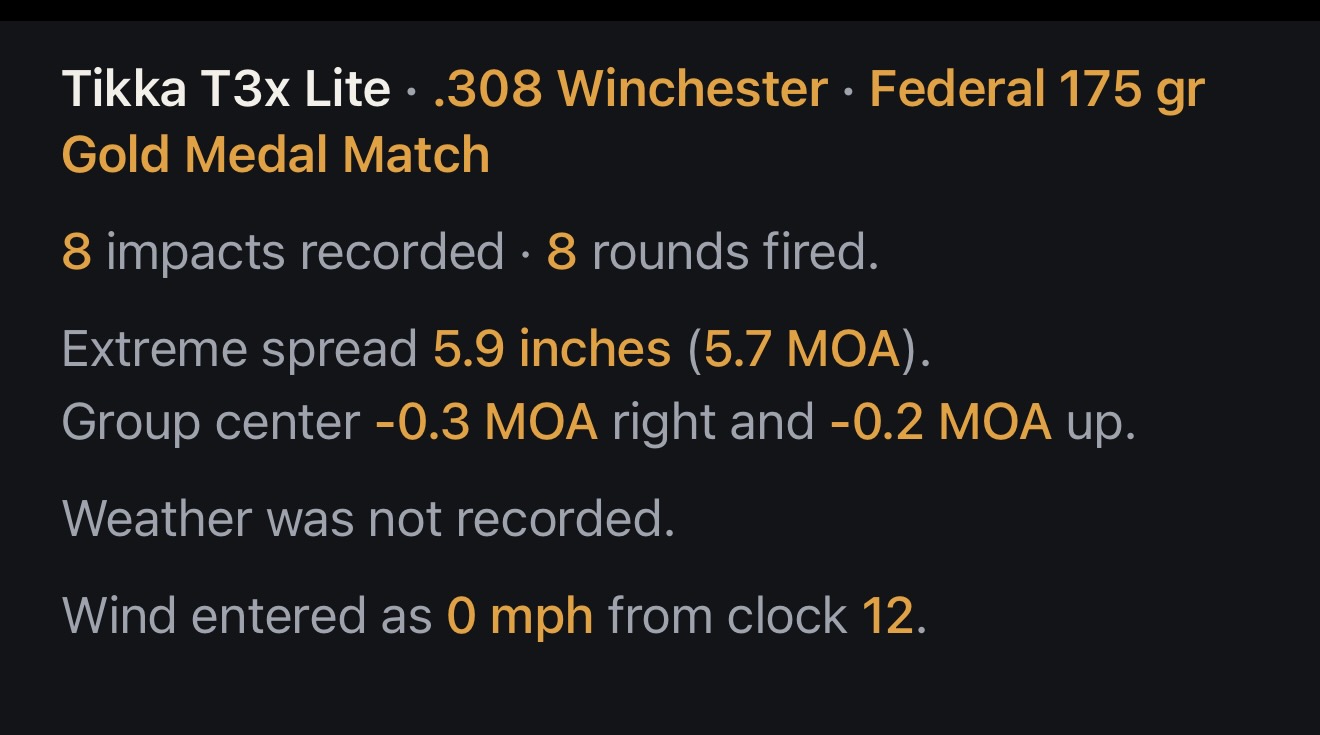
See group size, point of impact, MOA, environmental conditions and how the session compares with similar sessions.
6. Decide what happens next
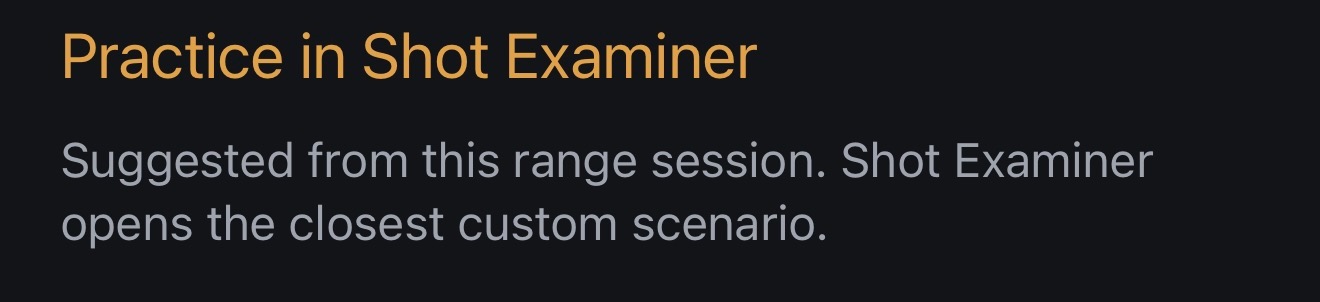
A weakness can become a Shot Examiner practice scenario. Your next range session helps determine whether the training transferred.
The range isn't just where you shoot anymore. It's where you prove what you've learned.